
Residence Permit Photo for Poland: How to Get It Right
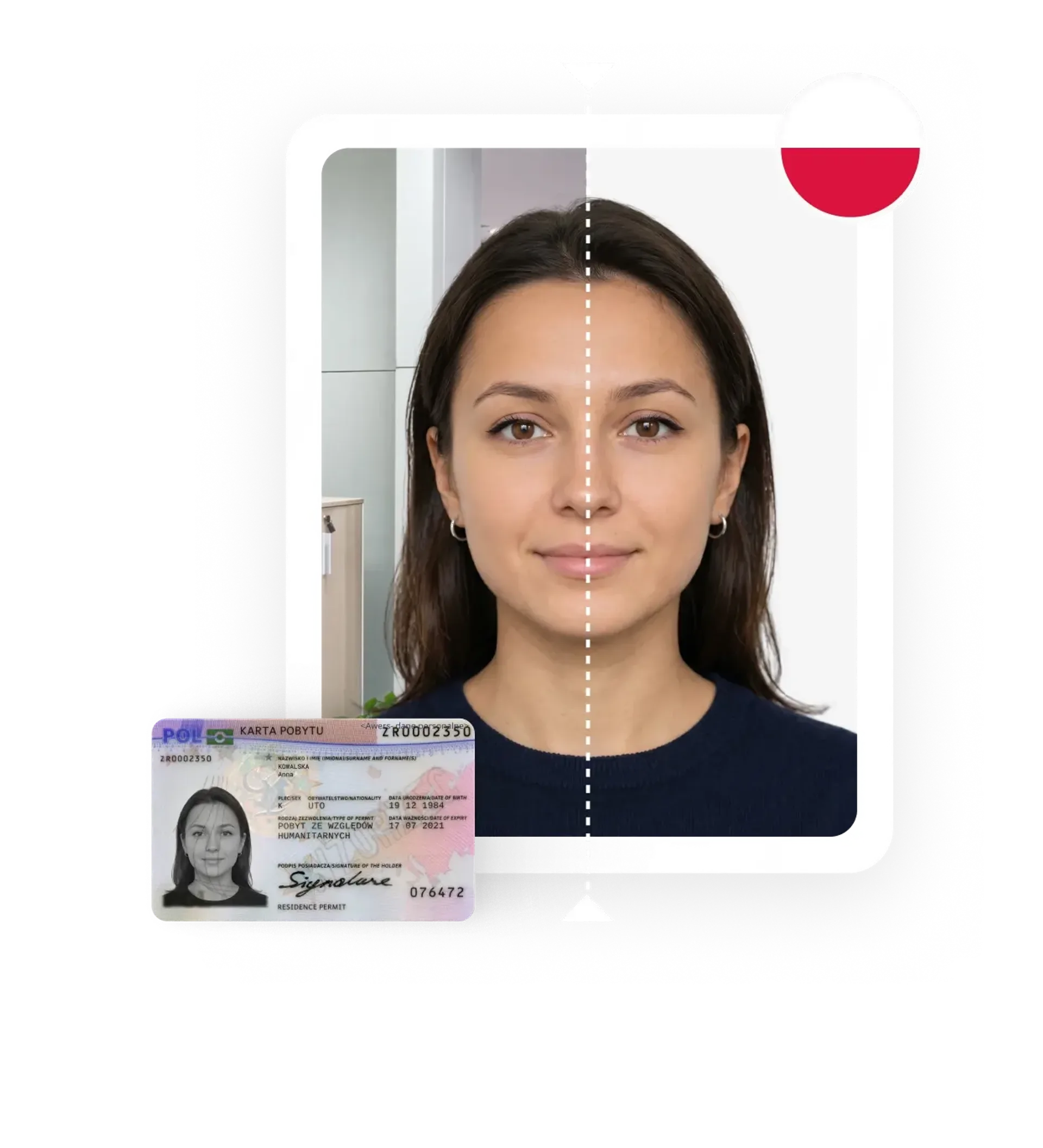
Check the photo requirements for a Polish residence permit, take a photo with your phone, and upload it to our editor that adjusts your picture to official specifications.

or







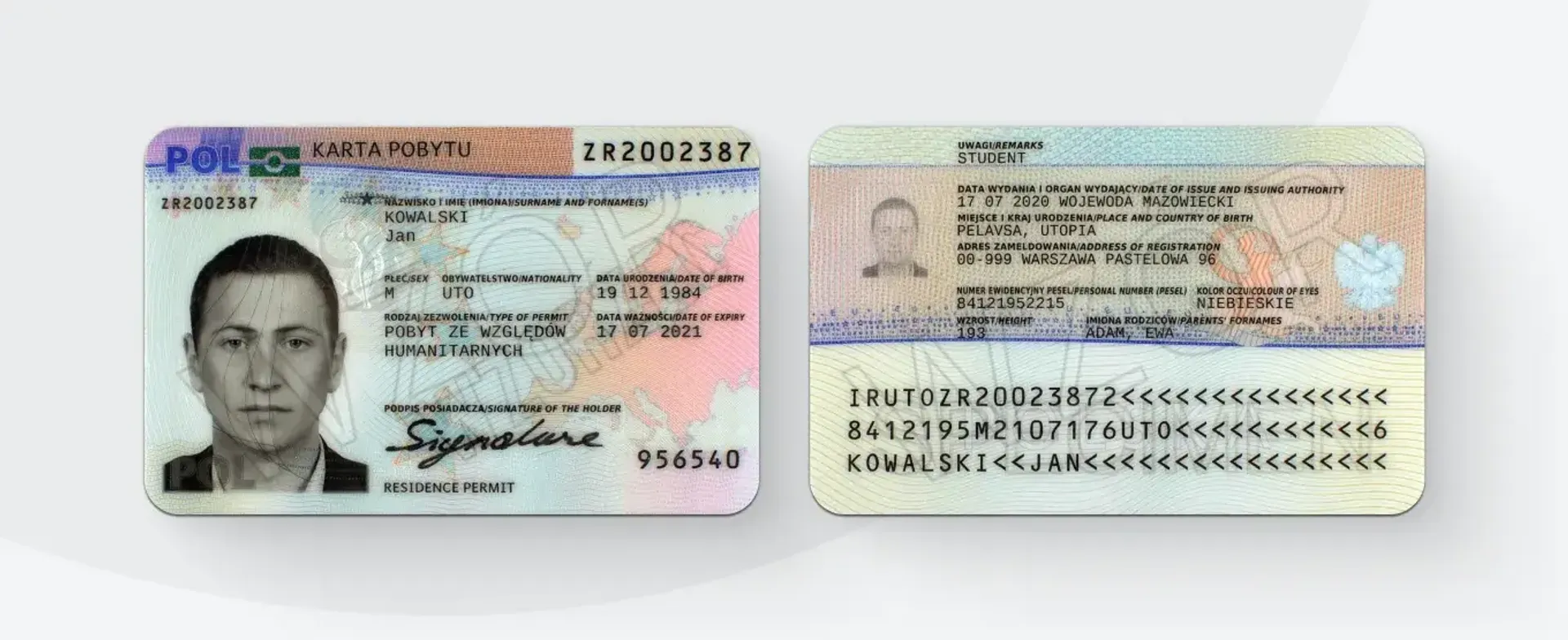
Residence permit photo requirements
Electronic residence permit application in Poland - since 27 April 2026
Since 27 April 2026, applications for a temporary residence permit, permanent residence permit, and EU long-term resident permit must be submitted exclusively online through the MOS system (Case Handling Module) at mos.cudzoziemcy.gov.pl. You can log in via login.gov.pl using a trusted profile (Profil Zaufany), a qualified electronic signature, or a personal signature.
A digital photo must be attached to the e-application, compliant with the April 2026 MSWiA regulation:
- file format: JPG,
- resolution: minimum 684 x 883 pixels,
- file size: maximum 2.5 MB,
- proportions: 35 x 45 mm (biometric standard),
- recency: taken no more than 6 months before the application date.
Other documents (passport scans, attachments) should be uploaded in PDF format - single file up to 10 MB, total attachments up to 50 MB.
Biometric photo requirements
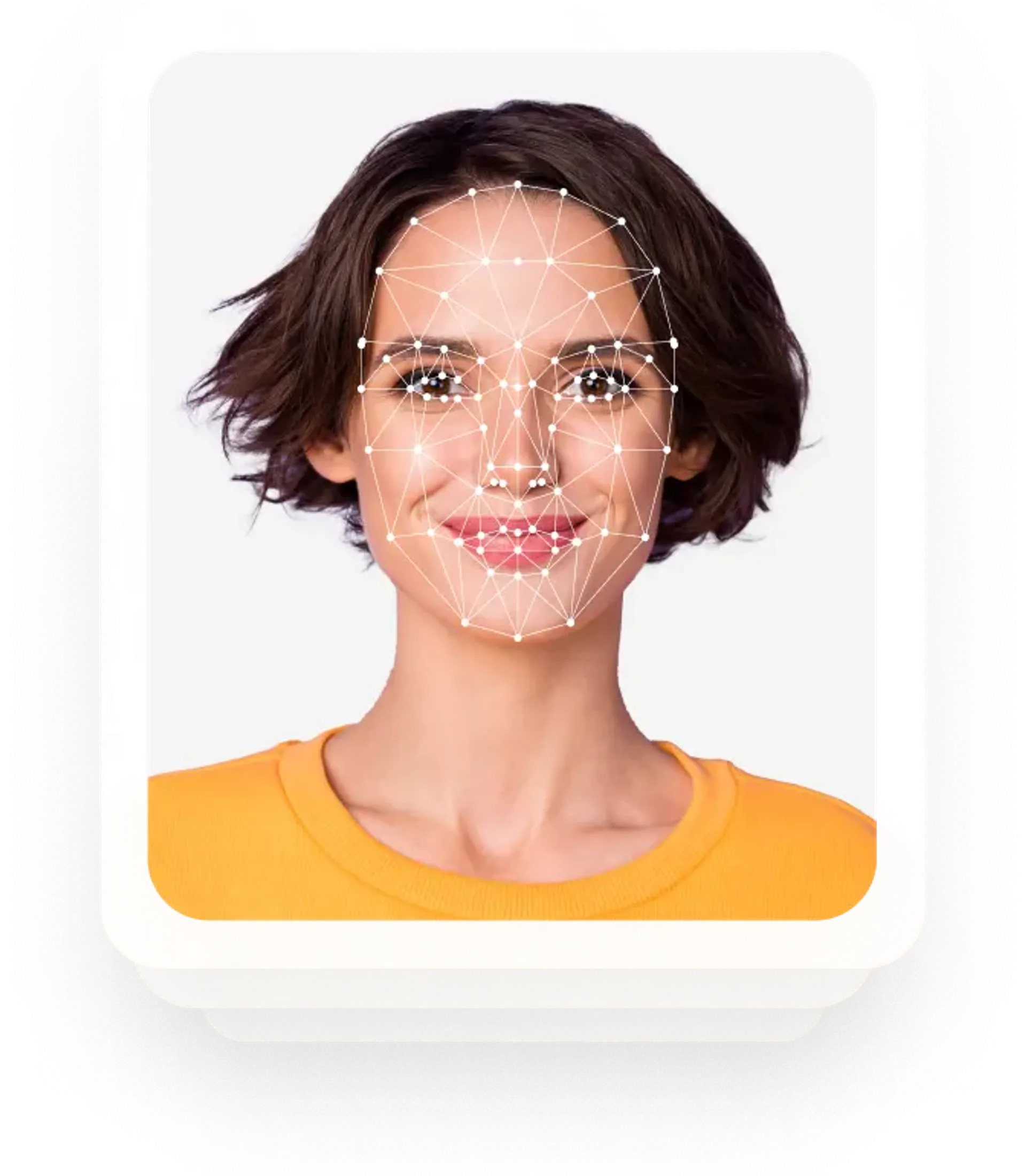
A residence permit photo must be sharp, in colour, and recent, meeting biometric photo standards. This means the photograph must allow for unambiguous identification. Required parameters:
- white, uniform background,
- proportions 35 x 45 mm,
- resolution minimum 684 x 883 px (for MOS electronic application),
- JPG file up to 2.5 MB,
- person facing the camera directly,
- photo taken no earlier than 6 months before submission.
Requirements for the photographed person
- head occupies 70-80% of the photo area,
- neutral facial expression (no smiling),
- eyes directed at the lens, open,
- head positioned straight,
- hair, glasses, and clothing items must not obscure the face (eyebrows, eyes, nose, mouth).
How many photos should you attach?
For the electronic application via MOS, attach one digital photo in JPG format (684 x 883 px, up to 2.5 MB). For paper applications submitted before 26 April 2026, 4 identical prints meeting the same biometric requirements were needed.


How to prepare your residence permit photo with PhotoAiD
Five steps to a photo that meets MOS requirements:
Upload your photo
Choose a photo from your gallery where your face is clearly visible and facing the camera. You can also take a new photo - further on, you will find instructions.
AI processes the photo
The algorithm automatically removes the background (replacing it with white), crops the face, and trims the photo to the required 35 x 45 mm proportions.
Check the result
The preview is free - you can upload as many photos as you like until you are satisfied with the result.
Choose the format
For the electronic application via MOS, you need a digital JPG version (684 x 883 px, up to 2.5 MB). You can also order 4 printed photos (35 x 45 mm) delivered to your address.
Expert verification
After payment, an expert checks the photo against biometric requirements. If the office rejects your photo, we refund the cost.
Key benefits of using our passport photo tool
Get comfy at home, grab your phone, and snap a few pictures. End up with a result you’re 100% satisfied with!

Independence
No need to drive or wait in line. Take a photo wherever you are with only your smartphone.

Trusted service
Over a million users worldwide, 18 million photos processed, and thousands of 5-star reviews on TrustPilot.

Professional support
Questions or doubts about your photos? Our photography experts and support agents will be happy to help you out.

Acceptance guarantee
Once you place your order, our AI and human expert will verify your photo to ensure it's 100% compliant.
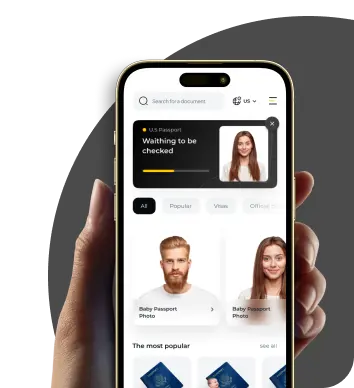
PhotoAiD mobile app
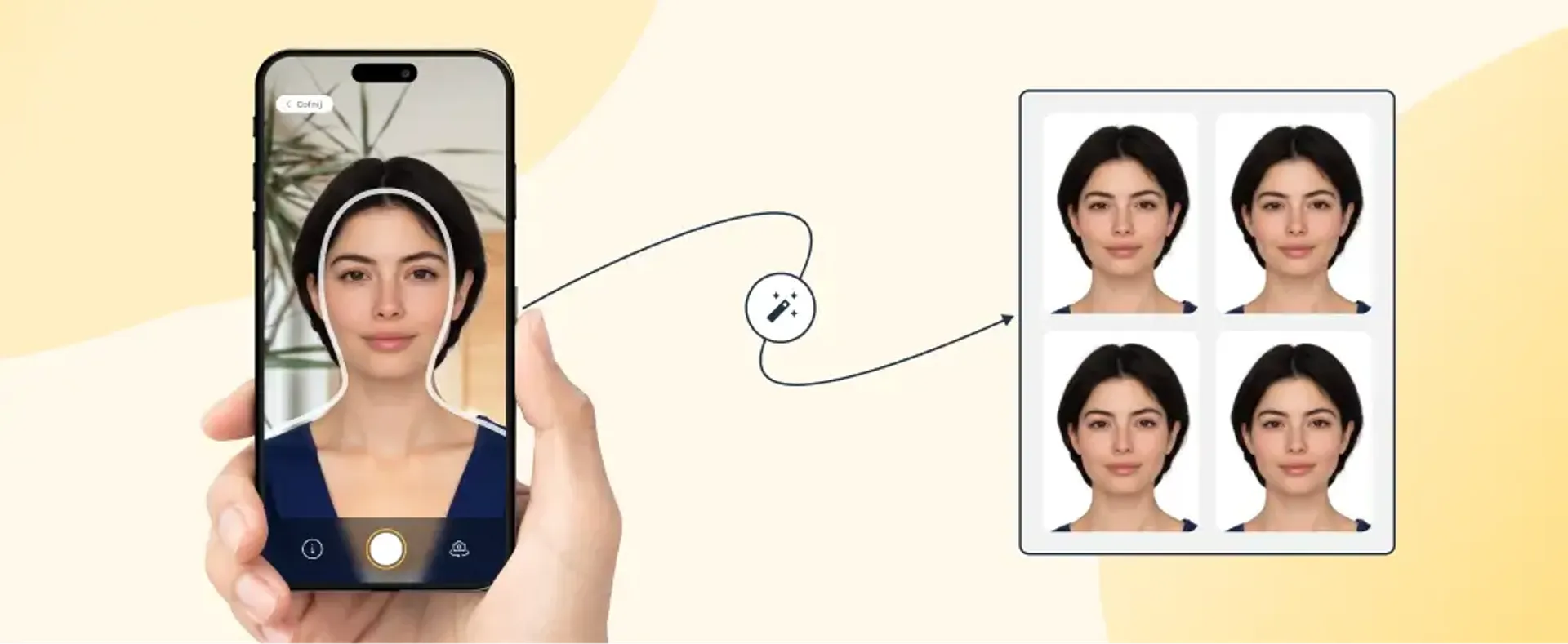
The editor also works in the mobile app - PhotoAiD for Android and PhotoAiD for iOS. Features are identical to the web version, with additional camera mode enhancements (frame guides, traffic light indicator).
Customer reviews

Easy to use, had my pic reviewed and approved quickly, and most important, accepted by HMPO
Needed passport photos. The photo I took wasn't suitable. But the retouching and quality was excellent. There was a slight delay but the support team were incredibly helpful.
App is very easy to navigate. I also appreciate how quick the photo uploading process is.
How to take the perfect residence permit photo yourself
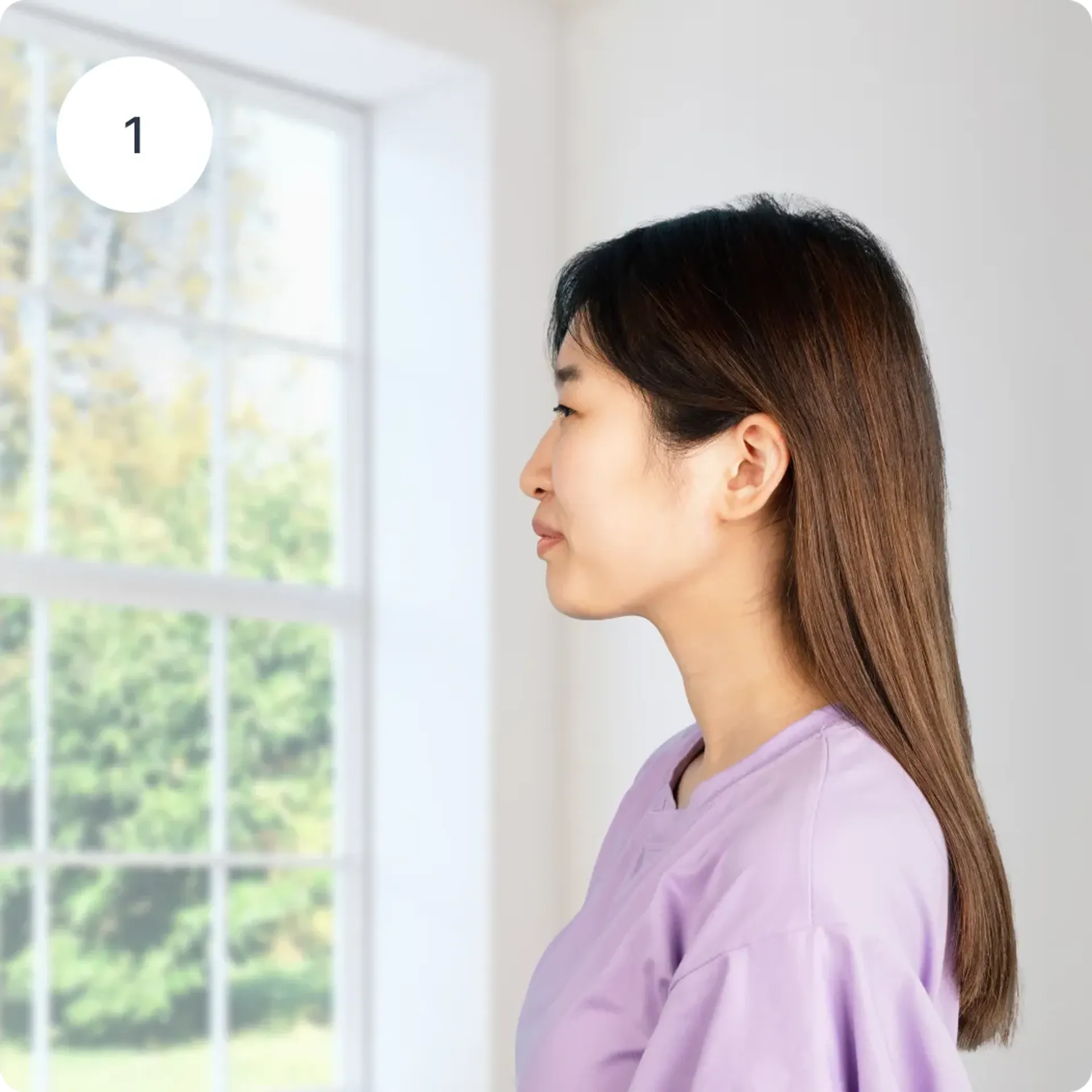
Lighting
When taking a document photo yourself, lighting is key. Natural sunlight works best. Stand facing a window to get even, uniform light on your face.
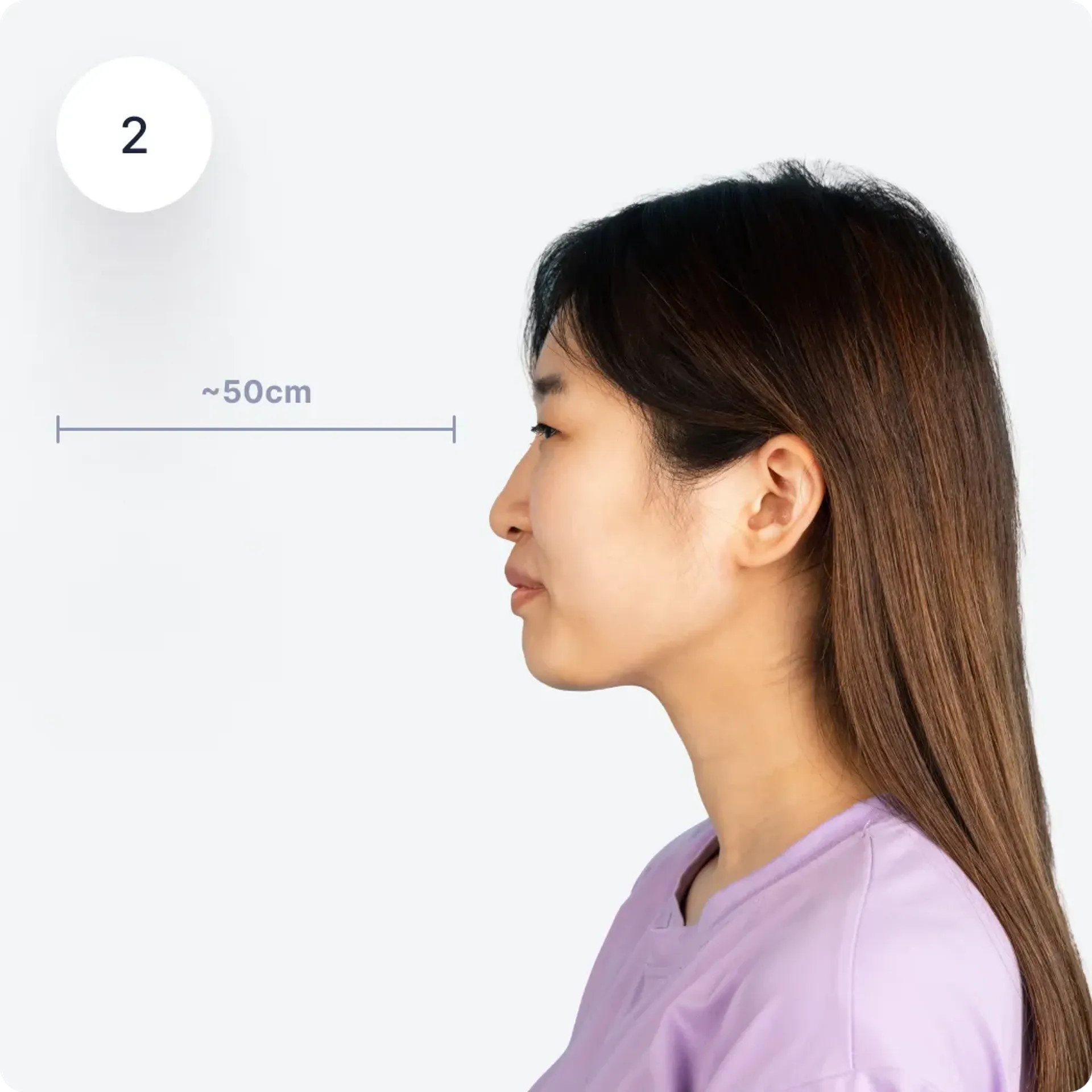
Distance from camera
Hold your phone about 50 cm from your face. You can also use a tripod or ask someone else to take the photo for you.
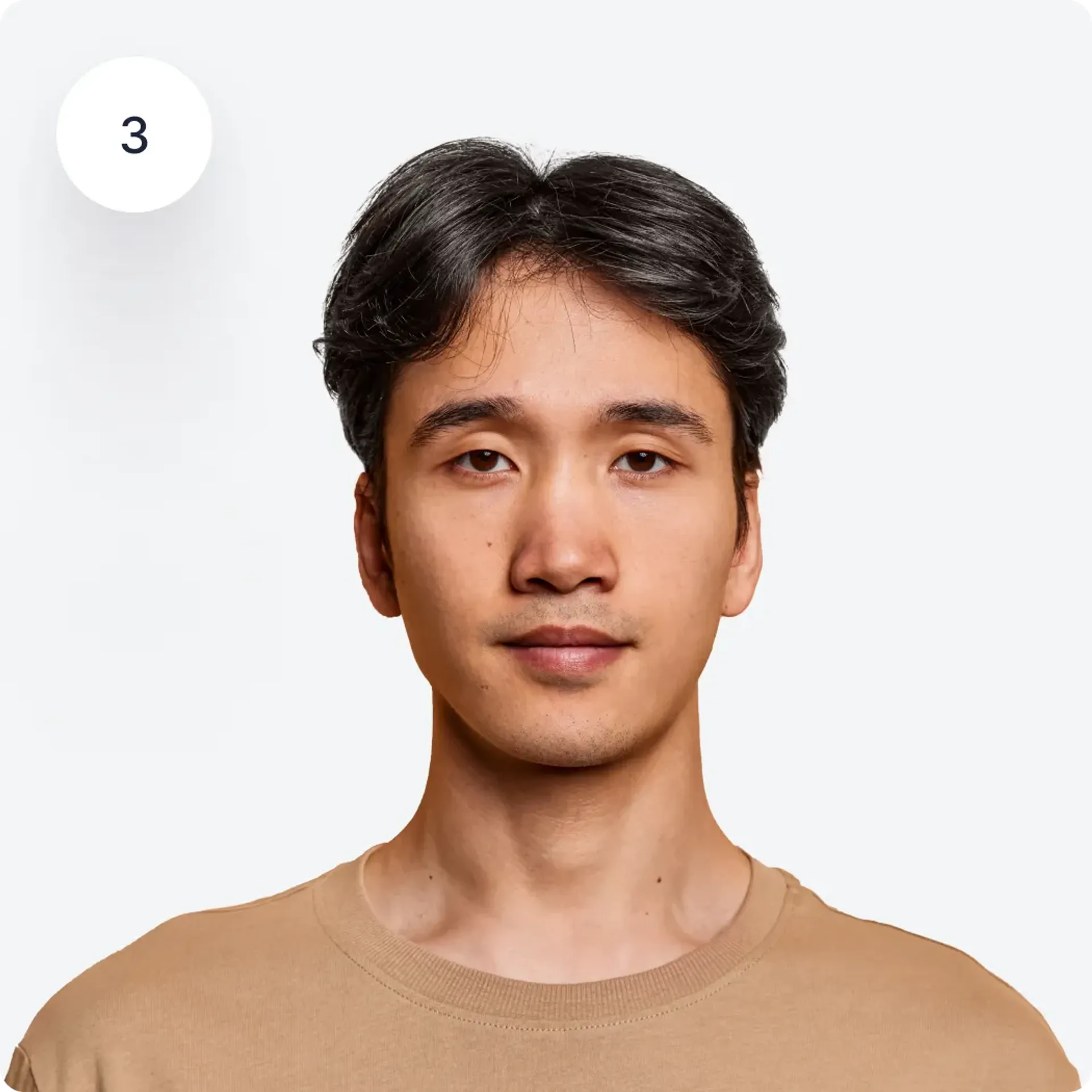
Position
Make sure your hair and glasses do not cover your face. Stand straight, do not tilt your head, and look directly into the lens. Keep a neutral facial expression - do not smile.
Lighting
When taking a document photo yourself, lighting is key. Natural sunlight works best. Stand facing a window to get even, uniform light on your face.
Distance from camera
Hold your phone about 50 cm from your face. You can also use a tripod or ask someone else to take the photo for you.
Position
Make sure your hair and glasses do not cover your face. Stand straight, do not tilt your head, and look directly into the lens. Keep a neutral facial expression - do not smile.
Residence permit photo - additional information
Glasses
Prescription glasses are allowed, under the following conditions:
- transparent lenses,
- frames do not obscure eyebrows or eyes,
- no reflections in the lenses.
If possible, remove your glasses for the photo. For tinted lenses (due to a medical condition), the office may request a medical certificate.
Head coverings
Head coverings are not permitted, except for those worn for religious reasons. In such cases, the office may request a certificate from your religious community.
Ears
Ears may be covered by hair - there is no requirement to show them.
Smile
A neutral facial expression is required for the residence permit photo. Relax your facial muscles and do not smile.
Digital format - MOS
The MOS system only accepts JPG files with a minimum resolution of 684 x 883 px and a maximum size of 2.5 MB. PDF, PNG, or HEIC files will not be accepted.
See also:
Sources:
- mos.cudzoziemcy.gov.pl - Case Handling Module (UDSC)
- gov.pl/udsc/karta-pobytu2
- MSWiA Regulation of April 2026 on electronic submission of residence permit applications
Choose your document
Was this information helpful?
Let us know how useful you found this page
Rate this page

0/5
Number of votes: 0